
If your key hasn’t been updated for a long time, it may cause problems. In the worst case, your key may no longer unlock your apartment door, and the issue can only be fixed with a separate lock update. Updating your key regularly ensures you always get inside smoothly.
If the update doesn’t go through but your key still works normally, you can continue using it as usual.
If your key doesn’t work, please contact the housing office.
Outside the housing office opening hours, contact maintenance.
You can update the access rights of your iLOQ key at the key update points or by using the iLOQ S50 mobile app.
Updating your key with the mobile app:
Updating your key with the mobile app requires an NFC reader. The location of the reader depends on your phone model.
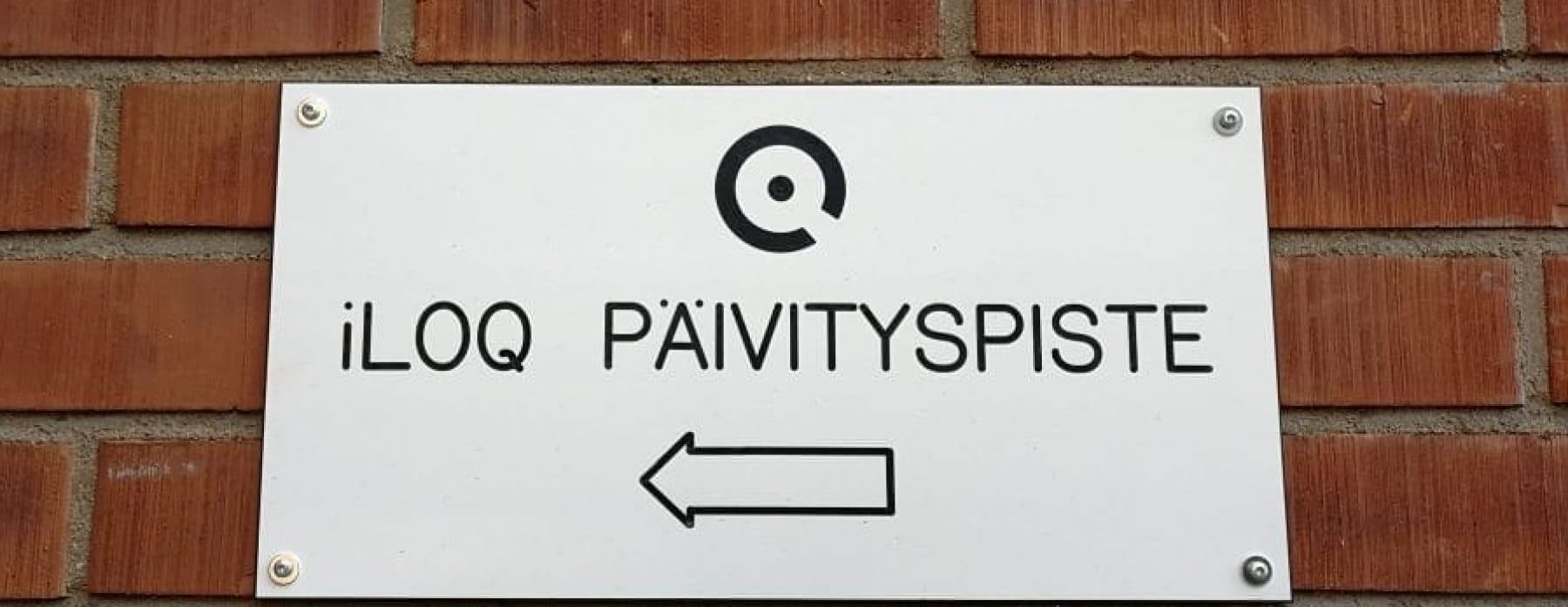
iLOQ keys can be updated at the following locations:
S10 Update Points:
- Paalikatu 14, Staircase A
- Mannenkatu 2, Next to the front door
- Kajaanintie 40, Staircase A
- Peltolankaari 6, Building B
- Peltolankaari 20, Building A basement
- Kurkelantie 11, Staircase C
- Kurkelantie 8, Building B
- Tirolintie 2, Building A
- Tutkijantie 2, Staircase A
S5 Update Points:
- Tellervontie 2, Staircase A
- Tapiontie 7, 9 & 13, On the front door of each staircase
- Yliopistokatu 12, 14, 16, 18, 38, 40 or 46, front door
- Puulinnankatu 7, Building A basement front door
- Virkakatu 5, Front door of maintenance building
- Paavo Havaksen tie 5, Staircase A front door
- Ylioppilaantie 4 & 6, Front doors
- Kajaanintie 40, Front door
- Tervakukkakuja 1, Front door
- Toivoniementie 1, Cellar staircase, next to bike storage
- Yliopistokatu 1, Staircase B, C and D front doors
Instructions for Use:
S10 Programming:
- Insert key into the updater
- Wait for orange light
- Keep key inserted until green light appears
- Remove key when programming is complete
- If green light doesn’t appear or red light shows, reinsert the key
S5 Programming:
- Place key on top of the reader
- Wait for yellow light
- Wait until light turns green
- Remove key when update is complete
.
PSOAS offers rental apartments for students in Oulu

Learn more about the apartments and areas and fill in the application. PSOAS has shared apartments, studios and bigger apartments.

Read more about the student life at PSOAS and get to know the facts about living, applying and moving in.
News

Misplacing the Keys 🔐
Inspecting Your New Apartment 🔎

Move-In Guide