
Welcome to Your Free Campusnet WiFi! 🌐
Enjoy high-speed internet with our complimentary 100/100 Mb/s Campusnet WiFi connection, available in all apartments.
Getting Connected in 3 Easy Steps
1. Create Your OmaPSOAS Account
- Use the same email address you used for your tenancy agreement
- You can create your account as soon as your lease begins
- Visit: www.omapsoas.fi
2. Wait for Activation
- Your Campusnet access will be ready within one hour after creating your OmaPSOAS account
- You’ll use the same OmaPSOAS credentials to connect to Campusnet
3. Connect Your Devices
- Instructions for connecting a mobile device to Campusnet can be found here
- Works with all standard WiFi-enabled devices
- No additional setup required
Need Help?
Our Campusnet support team is here for you:
- 📧 Email: campusnet@psoas.fi
- 📱 Phone: +358 44 757 3115
Enjoy your high-speed internet connection! 🚀
PSOAS offers rental apartments for students in Oulu

Learn more about the apartments and areas and fill in the application. PSOAS has shared apartments, studios and bigger apartments.

Read more about the student life at PSOAS and get to know the facts about living, applying and moving in.
News
#Housingapplication

Homerun For Exchange Students
Finding the perfect home for your exchange adventure is just a few clicks away. Homerun […]
#Homeappliancesandequipment
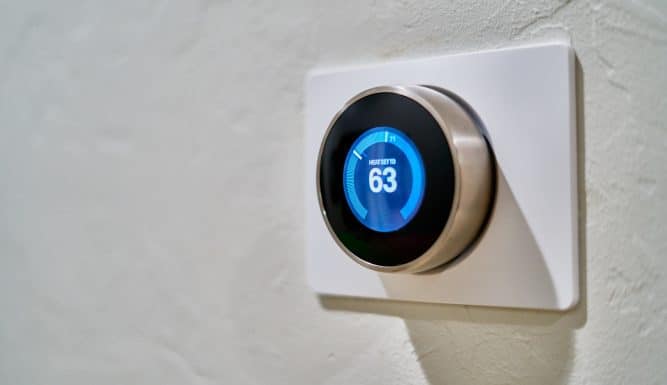
Heating
Understanding Your Room’s Heating System Your room comes with a water central heating system that […]
#Keys

Misplacing the Keys 🔐
If you lose your key or leave it inside your apartment: During office hours, you […]
#Maintenanceofapartment
Inspecting Your New Apartment 🔎
After moving into your new apartment, it’s important to thoroughly inspect the condition of the […]